 Eta
Eta
Reference
Eta Jupyter Kernel (eta_jupyter)
This page documents the current local kernel workflow and the notebook-facing runtime behavior.
Build
Jupyter is part of the required dependency stack. Configure and build
eta_jupyter (or eta_all):
cmake -S . -B out/msvc-release
cmake --build out/msvc-release --target eta_jupyter -j 14
Install kernelspec
eta_jupyter now supports runtime installation:
eta_jupyter --install --user
eta_jupyter --install --sys-prefix
eta_jupyter --install --prefix C:\eta\install
Supported flags:
--install: write akernel.jsonfor the currenteta_jupyterexecutable.--user: install into the user Jupyter data directory.--sys-prefix: install under the active Python/Conda prefix (CONDA_PREFIX,VIRTUAL_ENV, orPYTHONHOME).--prefix <path>/--prefix=<path>: install under an explicit prefix.
Rich display
Execution now publishes MIME bundles (with text/plain fallback) for:
application/vnd.eta.tensor+jsonapplication/vnd.eta.facttable+jsonapplication/vnd.eta.heap+jsonapplication/vnd.eta.disasm+jsonapplication/vnd.eta.actors+jsonapplication/vnd.eta.dag+jsonapplication/vnd.eta.tensor-explorer+jsonapplication/vnd.vegalite.v5+jsontext/htmltext/markdowntext/lateximage/svg+xmlimage/png
Notebook helpers are available from std.jupyter:
(import std.jupyter)
(jupyter:html "<b>Hello</b>")
(jupyter:tensor (torch/zeros '(3 3)))
(jupyter:table some-fact-table)
(jupyter:plot 'line '(1 2 3) '(2 4 8))
Notebook screenshots
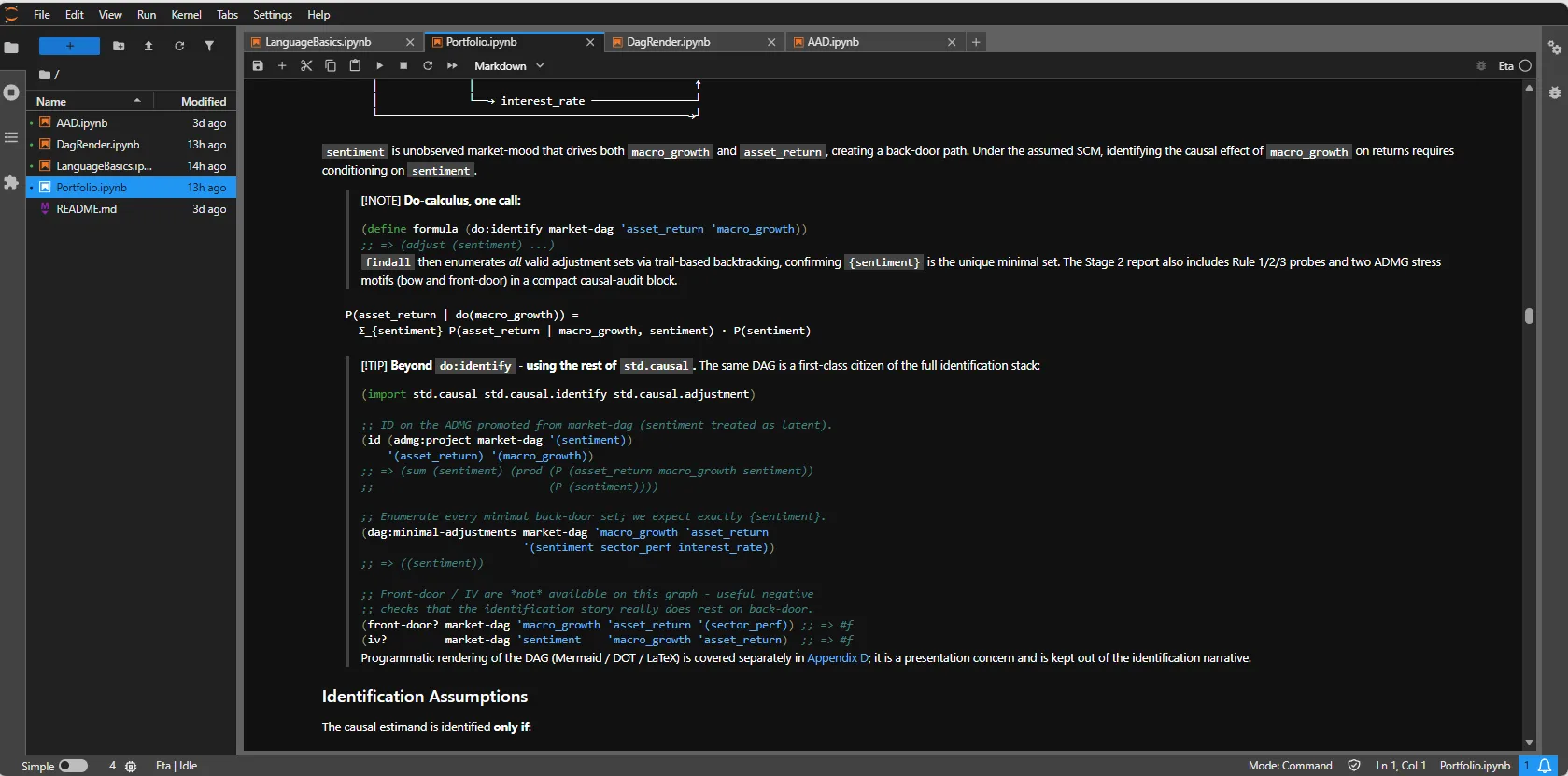
Generic notebook flow
Basic Eta notebook execution and cell output:
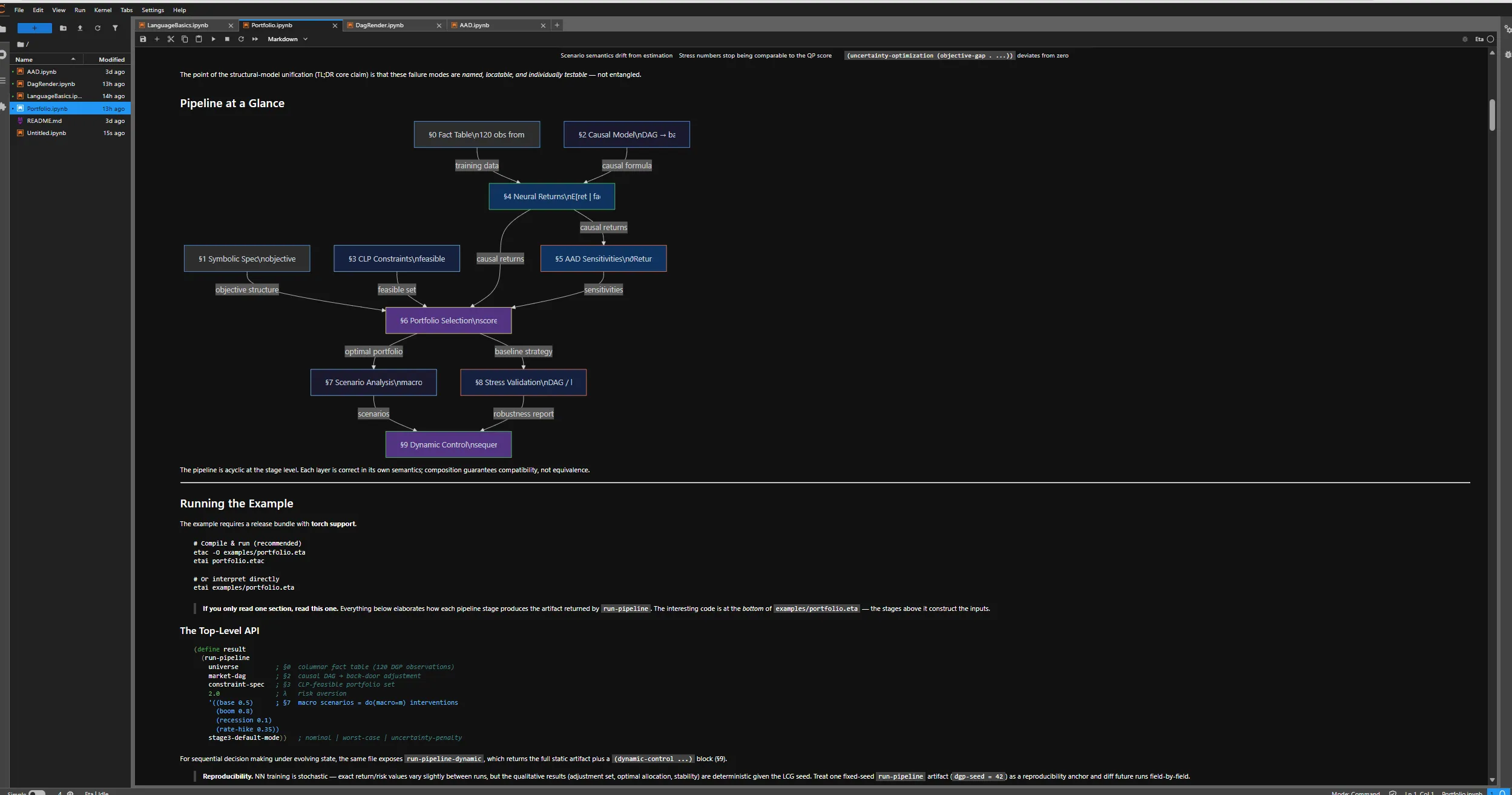
Rich rendering
Example of notebook-side rich rendering output:
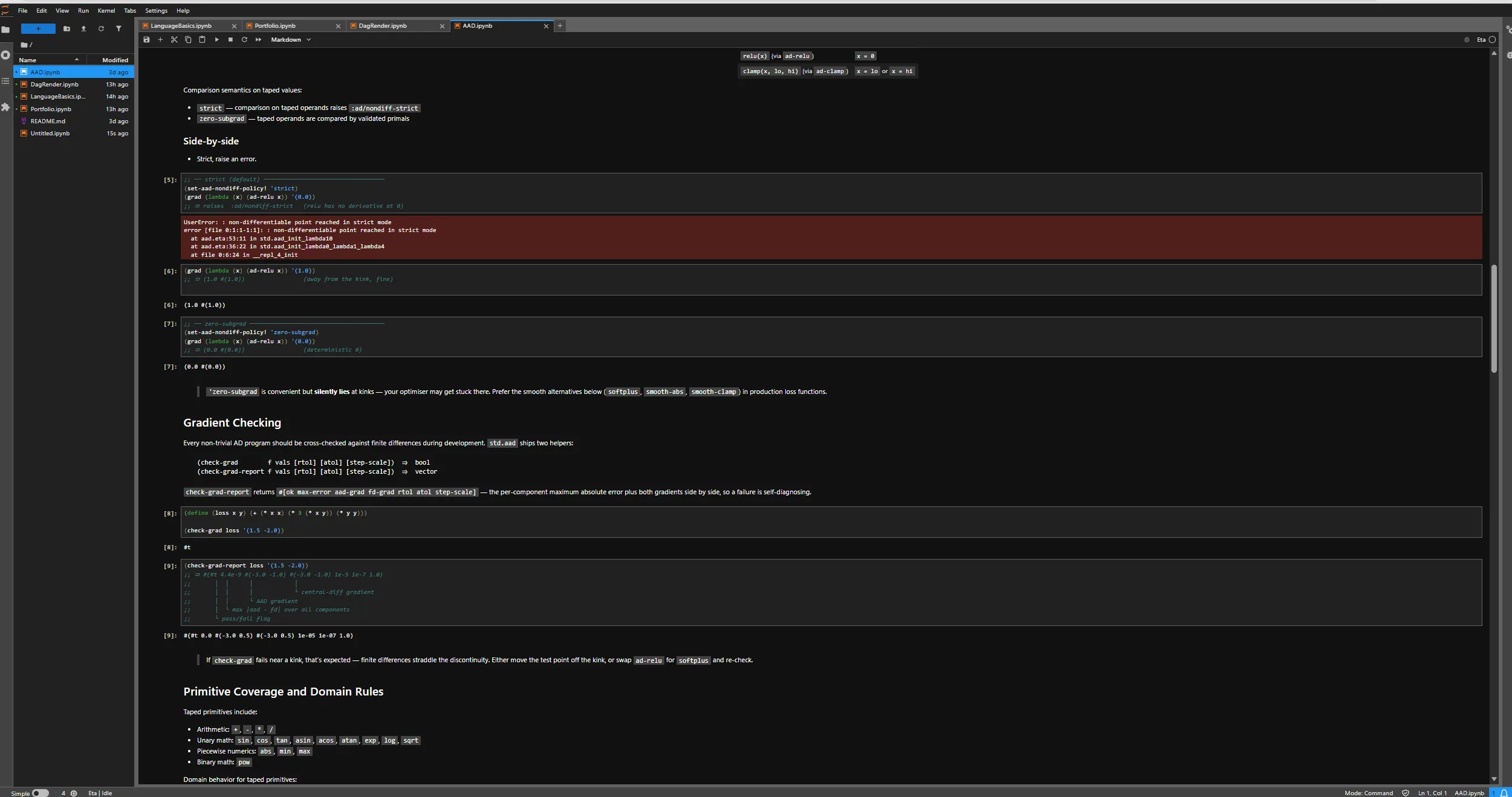
Error reporting
Example of runtime error reporting in a notebook cell:
Comm widgets
std.jupyter now includes comm-backed helpers for live debug widgets:
(jupyter:heap)(jupyter:disasm query)(jupyter:actors)(jupyter:dag graph)wheregraphis either:- graph-json shape:
((nodes ...) (edges ...)) - edge-list shape:
((a -> b) (b -> c) ...)
- graph-json shape:
(jupyter:tensor-explorer tensor-json)
When the labextension is not installed, these helpers still render an HTML fallback snapshot.
Magics
The kernel supports line and cell magics in execute_request_impl:
%time EXPR%timeit EXPR%bytecode EXPR%load PATH%run PATH%env [KEY[=VALUE]]%cwd [PATH]%import MOD%reload MOD%who%whos%plot EXPR%table EXPR%%prof [sample|trace] [--mode sample|trace] [--hz N](cell magic)%%trace(cell magic)
Profiling cell magic
%%prof profiles exactly one cell and emits both:
- The normal cell result.
- A profiling report (
text/plain) plus inline flamegraph (text/html).
Examples:
%%prof
(+ 1 2)
%%prof trace
(fib 12)
%%prof --mode=sample --hz=4000
(workload)
For format and workflow details, see Profiling.
Interrupts and actor output routing
- The kernel installs a signal-driven interrupt pump (
SIGINT/SIGTERM) that callsDriver::request_interrupt()on the active interpreter. - VM interrupt checks remain in the opcode hot loop, so runaway evaluation can be interrupted without restarting the kernel.
spawn-threadcaptures the active stream sinks at spawn time. Output from the spawned actor therefore continues to route to the originating cell stream even after the cell has returned.spawnchild processes do not inherit notebook stream sinks; use the actor comm widget for process/thread state visibility.
Kernel state model
The kernel uses one shared Driver per process. Cell re-execution and
redefinitions follow standard Jupyter semantics.
Optional startup configuration is loaded from kernel.toml:
ETA_KERNEL_CONFIG(explicit file path), or~/.config/eta/kernel.toml(plus platform fallbacks).
Example:
[autoimport]
modules = ["std.io", "std.logic", "std.stats"]

[display]
table_max_rows = 1000
tensor_preview = 8
plot_theme = "light"

[interrupt]
hard_kill_after_seconds = 30
std.io is always auto-imported.